

By: Kassandra Lippincott
5 Tips and Tricks
Procreate is a creative platform that artists use for various types of projects. I love the application for sketching ideas, creating abstract pieces, or simply embracing inspiration. There are required materials to use the application which is an iPad and an Apple Pencil for the best results.
Here is a quick, easy-to-follow tutorial video to help you get started!
As a review here are the following tips:
Tip #1
Change Brushes
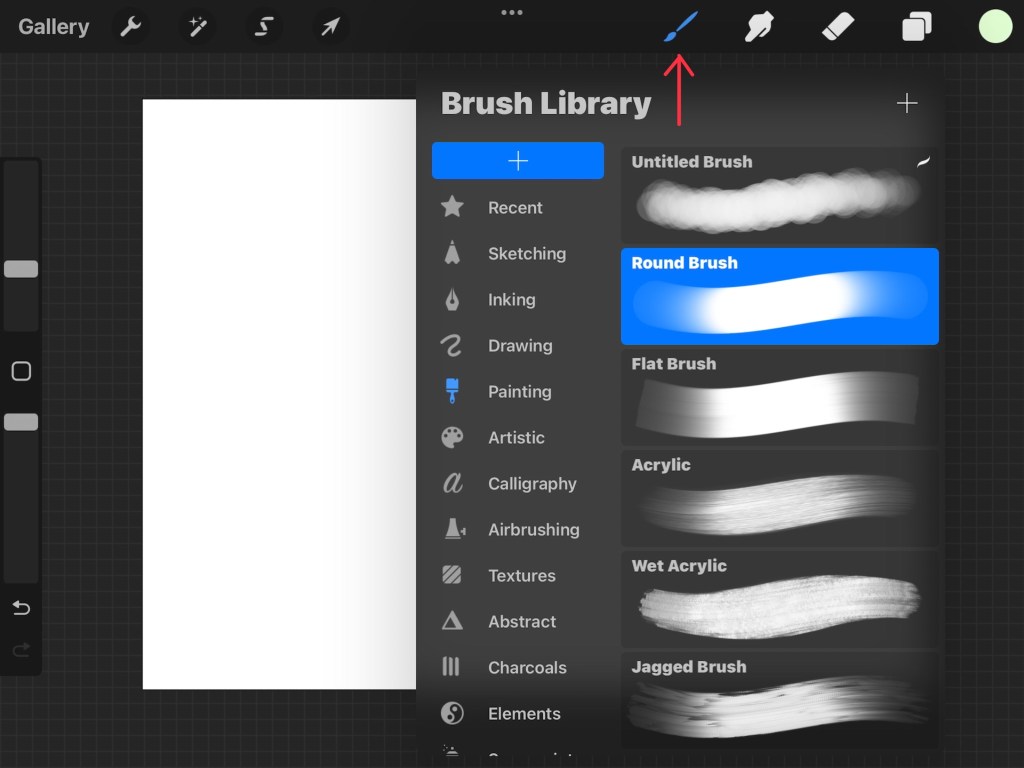
This tool allows you to change the texture in which color goes on the canvas. There is everything from various pencils, pens, and markers, all the way to paint brushes from acrylic to oil and even textures like leaves and wood. This is the most dynamic and important tool to procreate as the knowledge of the various brushes is crucial to produce something of your own liking.
Tip #2
Smudge Tool
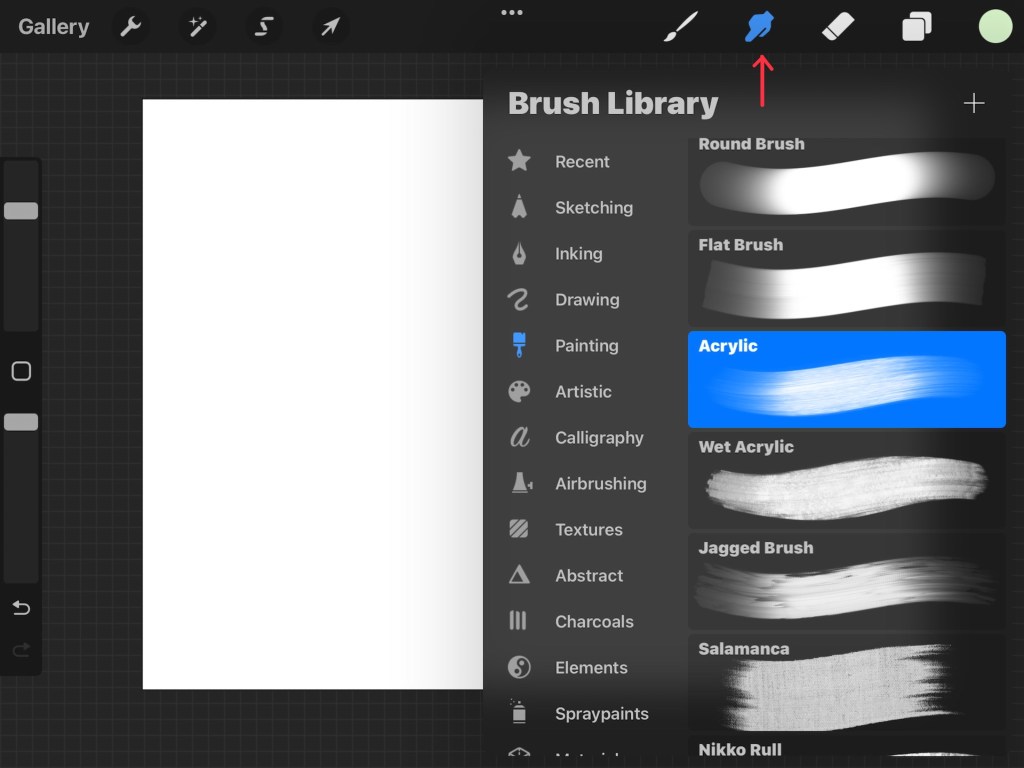
The smudge tool acts like a wet or dry brush. If you have used charcoal before you know how the putty acts when it is dabbed on the paper. The smudge tool is similar, it moves and blends colors that are on the canvas and has various functionalities. This also has the option to choose from the various textures to create something fun!
Tip #3
Layers
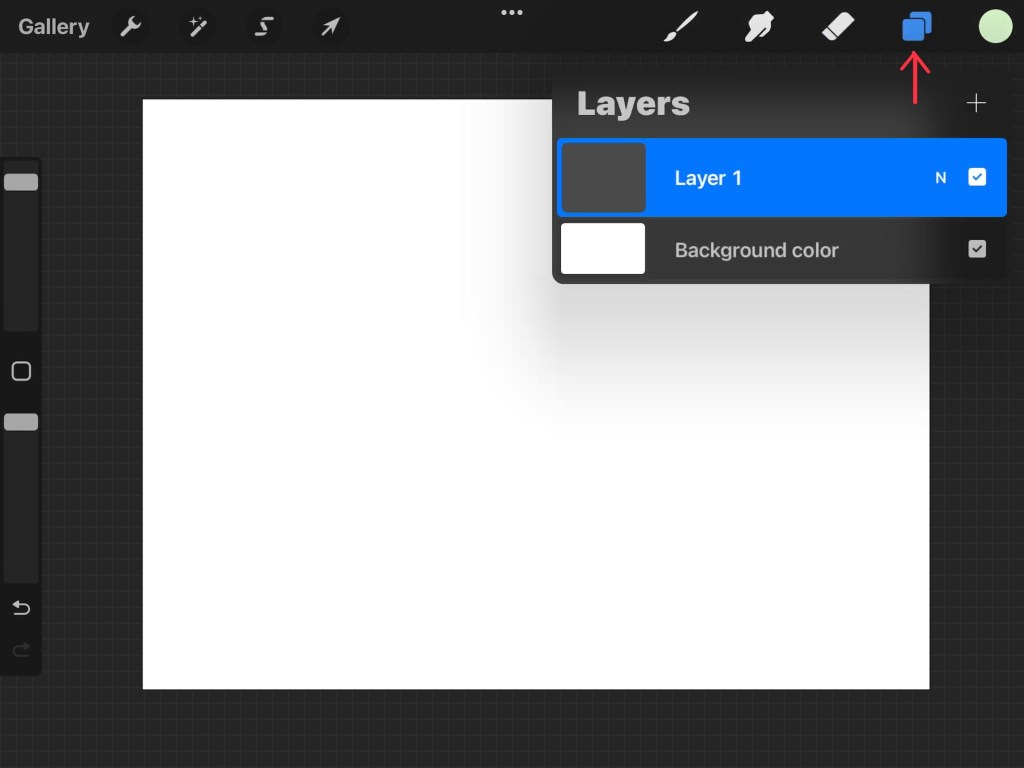
The layer tool is important as it separates work so that it’s easier to access and change as one sees fit. It is a great help, especially in the long run!
Tip #4
Eraser
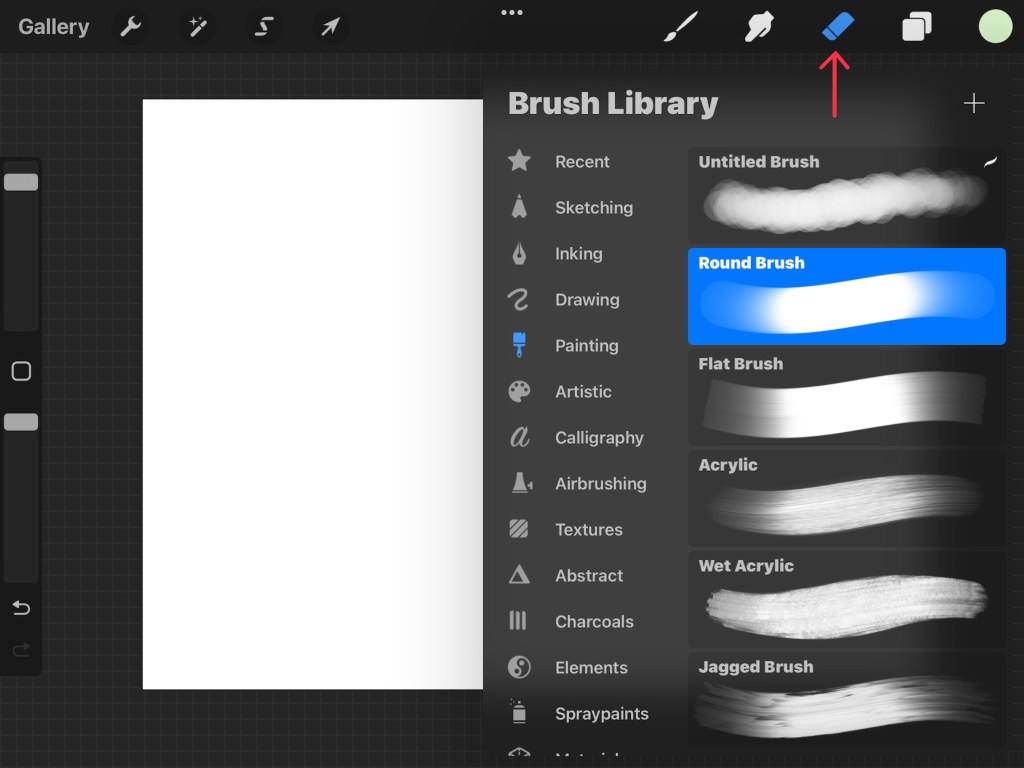
Obviously, the eraser is quite self-explanatory. It helps rid us of our mistakes.
Tip #5
Color
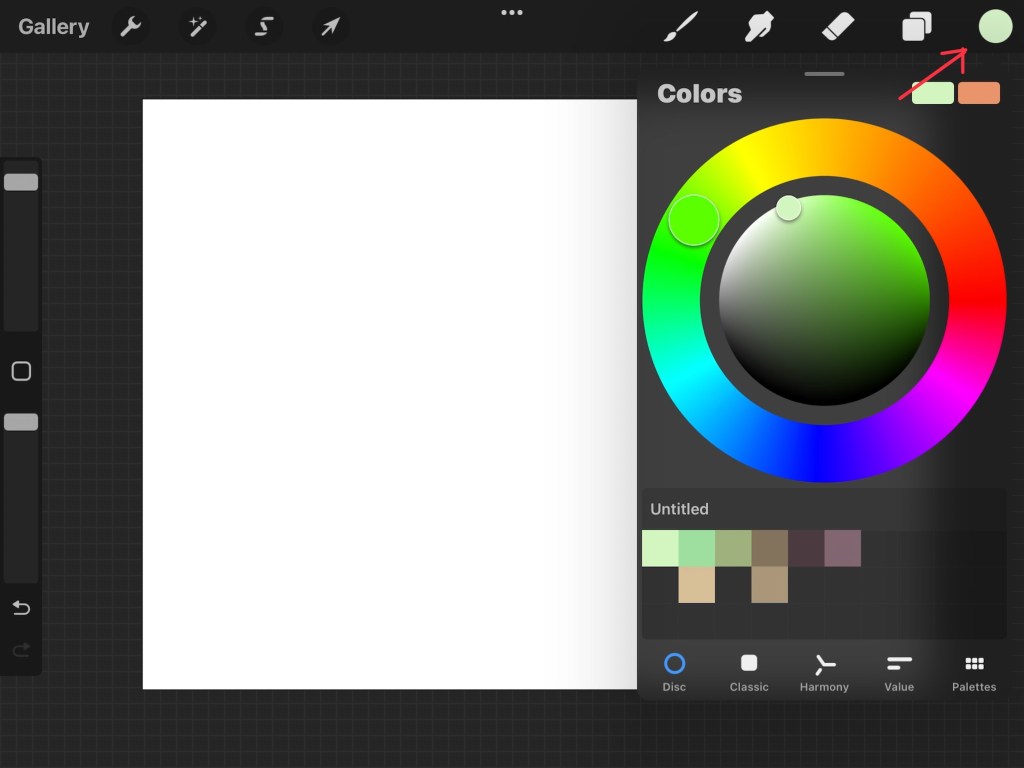
What would anything in life be without color? The color wheel is vital to making anything so being able to access it is important to make anything you desire!
Procreate is an advanced online illustration application that has endless uses for every user. Learning to use it can be tricky but very well worth it in the end! Have fun creating!



Leave a Reply